Fixes and updates
Saved answers and collections
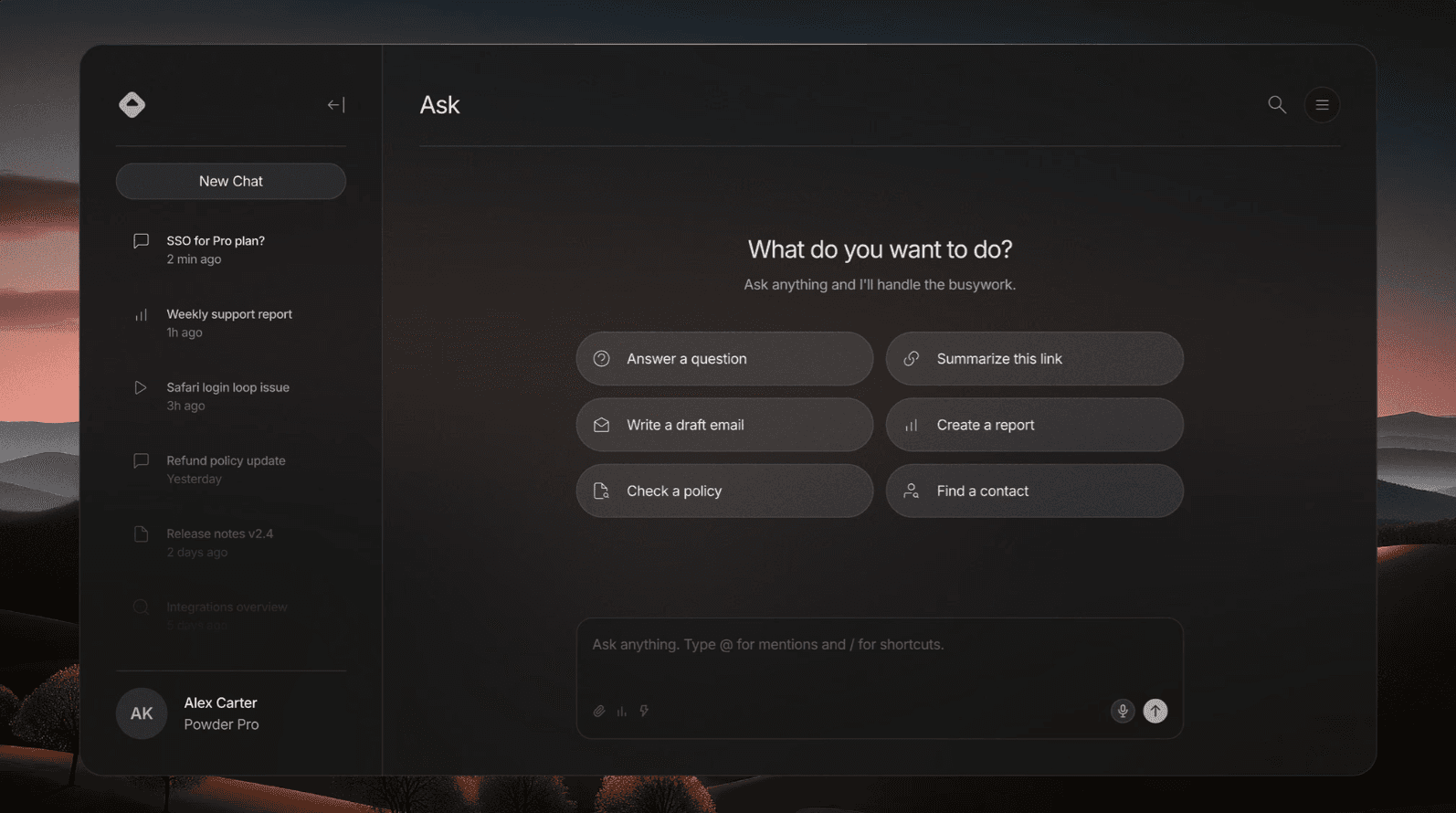
Your team can now save any Powder response as a verified answer and organize it into collections. Think of it as a living knowledge base that builds itself as your team works. Saved answers stay linked to their original sources, so when the underlying doc updates, Powder flags the answer for review.
Collections work like shared folders: group answers by topic, client, workflow, or whatever structure your team needs. Pin the most-used collections to your sidebar for one-click access.
Improved
Fixed
Source attribution v2
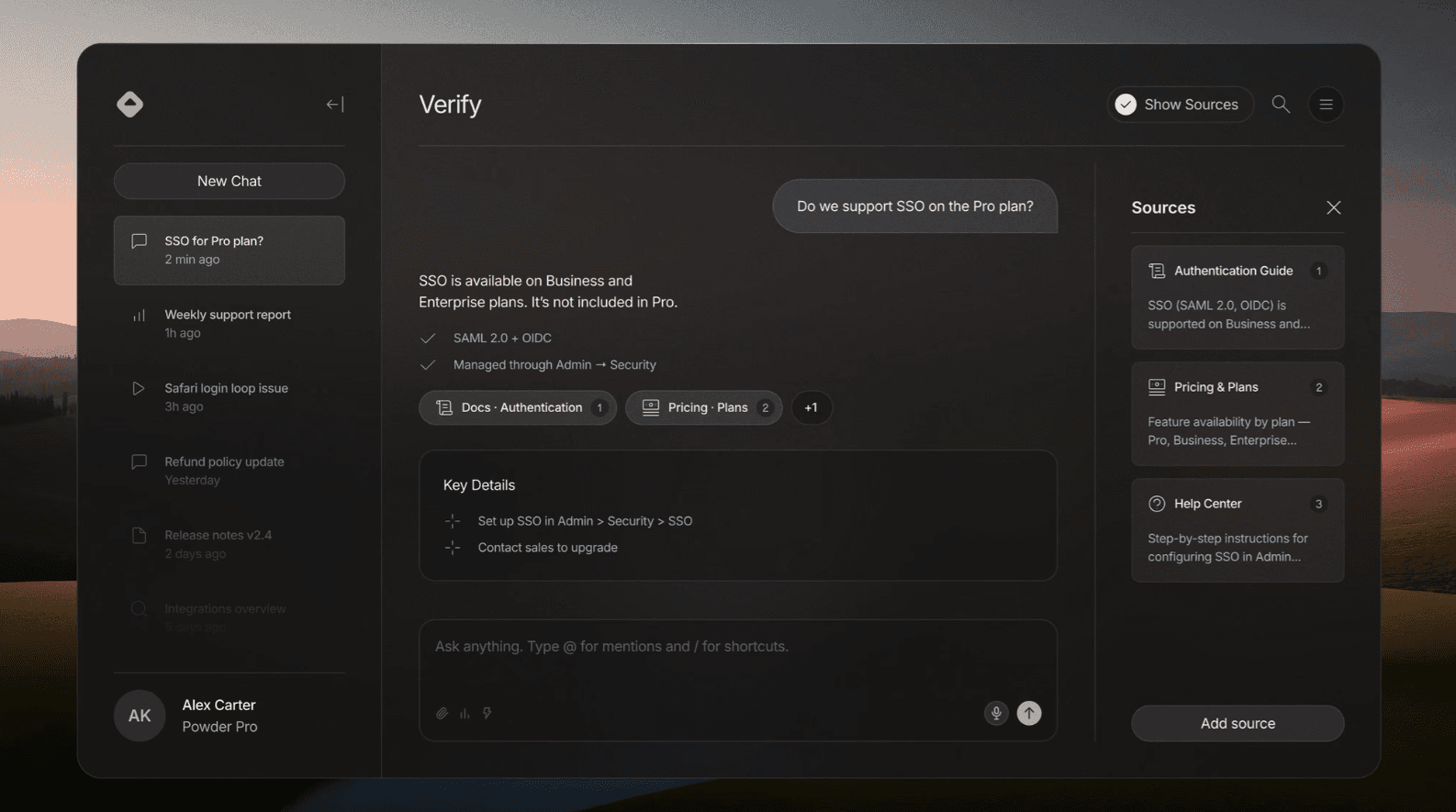
We rebuilt how Powder cites its answers. Every response now links to the exact paragraph, row, or message it pulled from, not just the document. Click a source badge and you'll jump straight to the highlighted passage in context.
When multiple sources contribute to an answer, Powder ranks them by relevance and recency. Conflicting information gets flagged automatically so your team can make the call instead of trusting a black box.
This was our most requested improvement since launch. Attribution is the reason teams trust Powder, so we treated this as foundation work, not a feature.
New
Improved
Fixed
Team permissions and roles
Workspaces now support granular role-based access. Assign members as Admins, Editors, or Viewers to control who can connect sources, trigger actions, and manage billing. Editors can use all features but can't modify workspace settings. Viewers get read-only access to conversations and saved answers.
For teams handling sensitive data, this means you can onboard new hires into Powder without exposing integration credentials or billing details. Permissions apply instantly and sync across all active sessions.
New
Improved
Fixed
Workspace actions
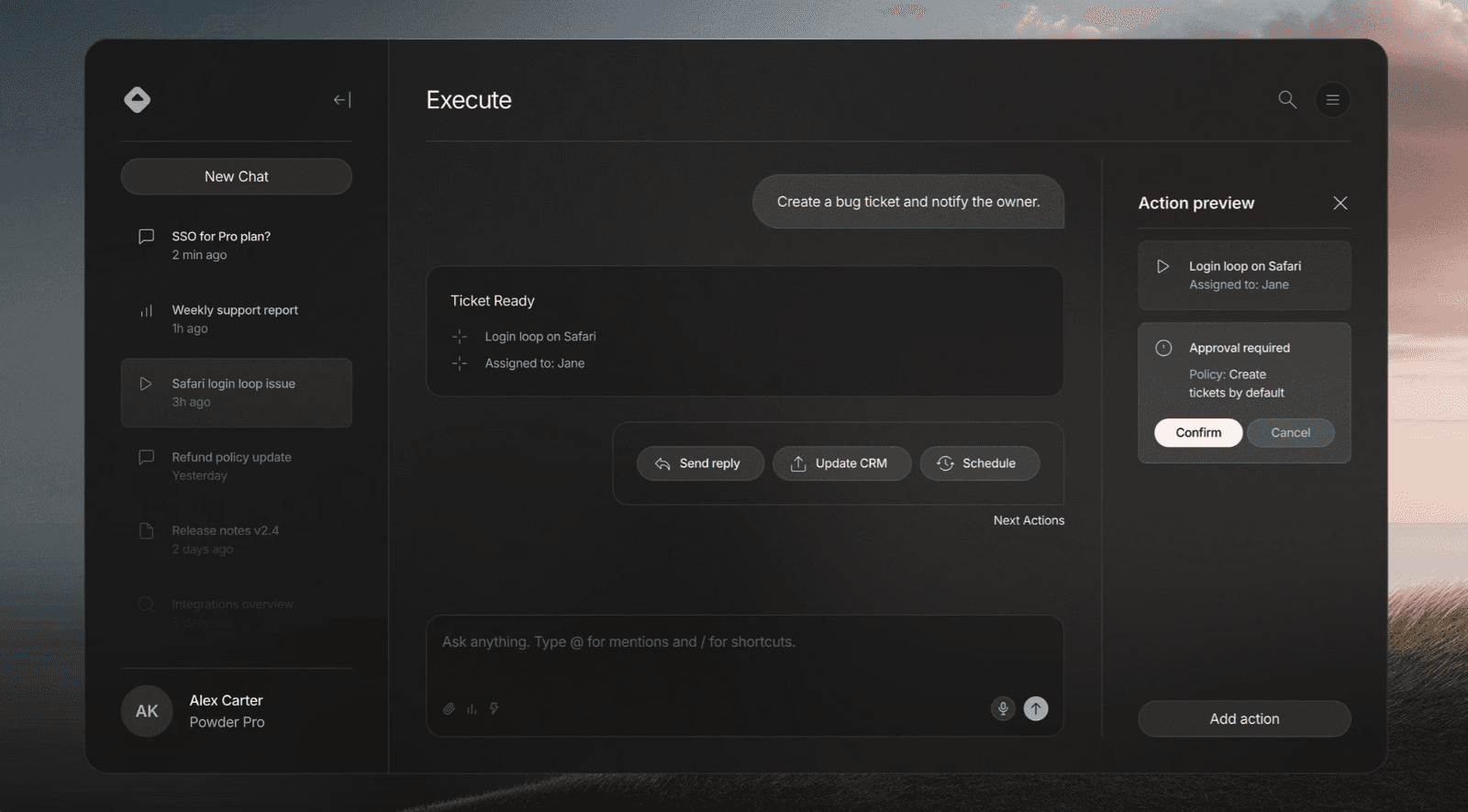
Powder can now execute actions directly inside your connected tools. Create a Jira ticket, update a HubSpot deal, send a Slack message, or log a note in Notion, all from the same conversation where you found the answer. No tab switching, no copy-pasting IDs.
Actions are contextual. When Powder surfaces a support ticket, it already knows the customer, the account owner, and the last touchpoint. Hit "create follow-up" and the fields pre-fill themselves. Every action is logged with full audit trail so your team always knows what happened and who triggered it.
For launch we're supporting Jira, HubSpot, Slack, Notion, and Linear. More coming based on what teams request.
New
Improved
Fixed
Get started today
Powder is easy to set up, maintain, and use. It takes less than 5 minutes to get up and running.

GDPR

SOC 2
Welcome back
How can I help you today, Alex?
Ask anything. Type @ for mentions and / for shortcuts.
Research
Support Ops
Writing
Actions
Summarize our product in simple terms for new users
Draft a friendly support reply using our help docs